Vercel - DNS Change - Domain Name:
About:
This page explains how to renew/connect your domain to Vercel.
How to:
1, Sign in to your Domain.
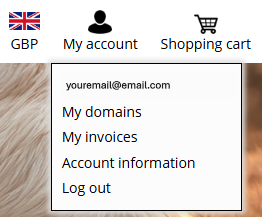
2, Click My Domains
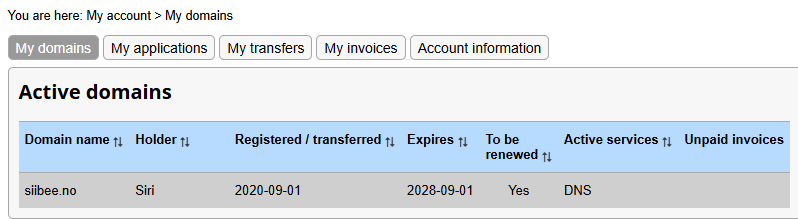
3, Click the domain (siibee.no)
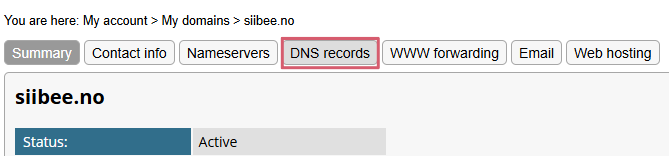
4, Click DNS records.
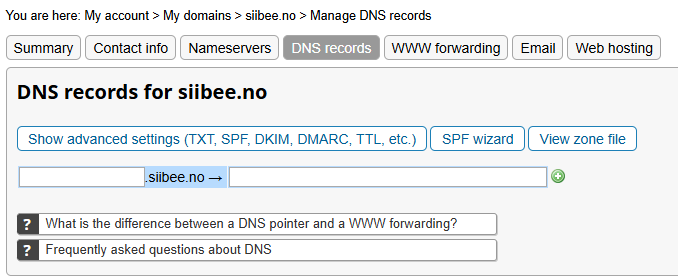
5, It will look like this if you haven't set anything up yet.
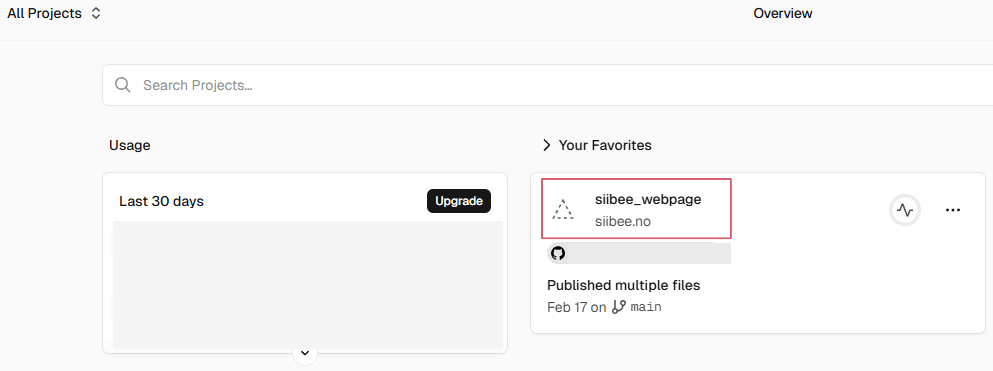
6, Sign in to Vercel
7, Click your project
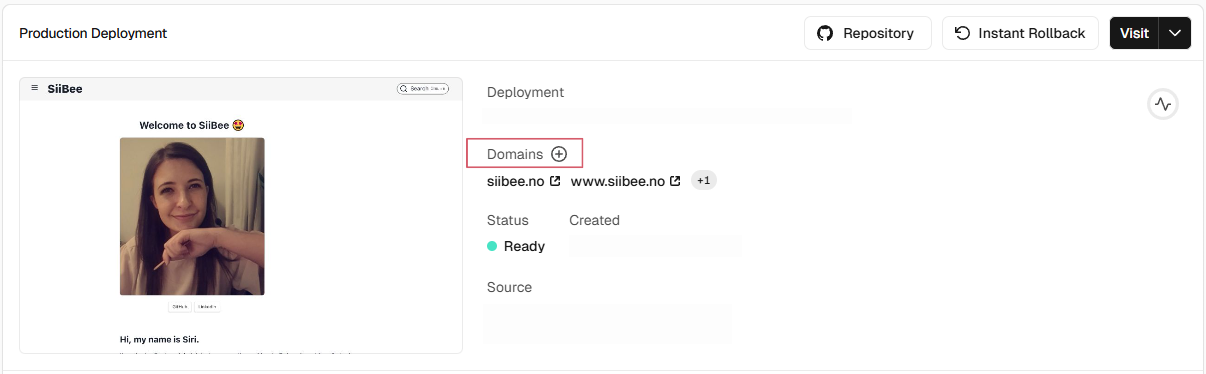
8, Choose Domains
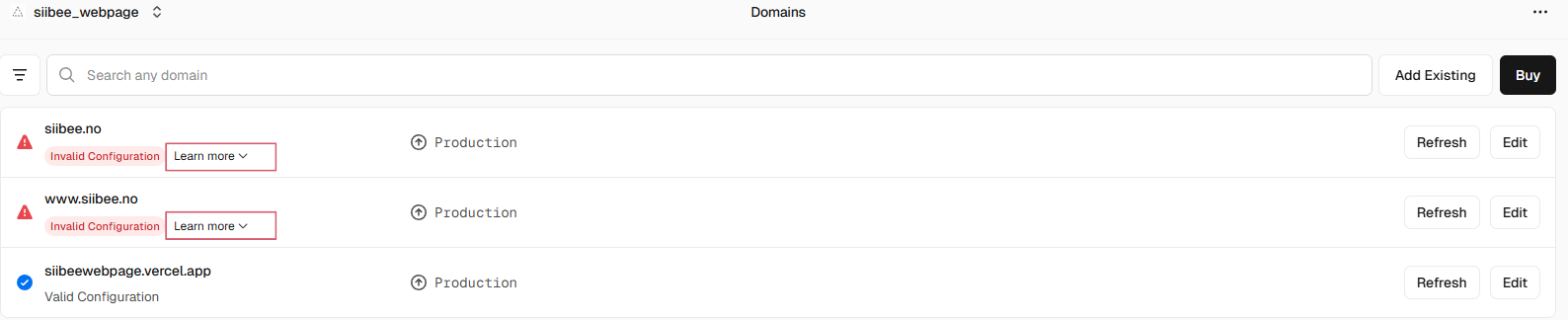
9, Click on Learn more.
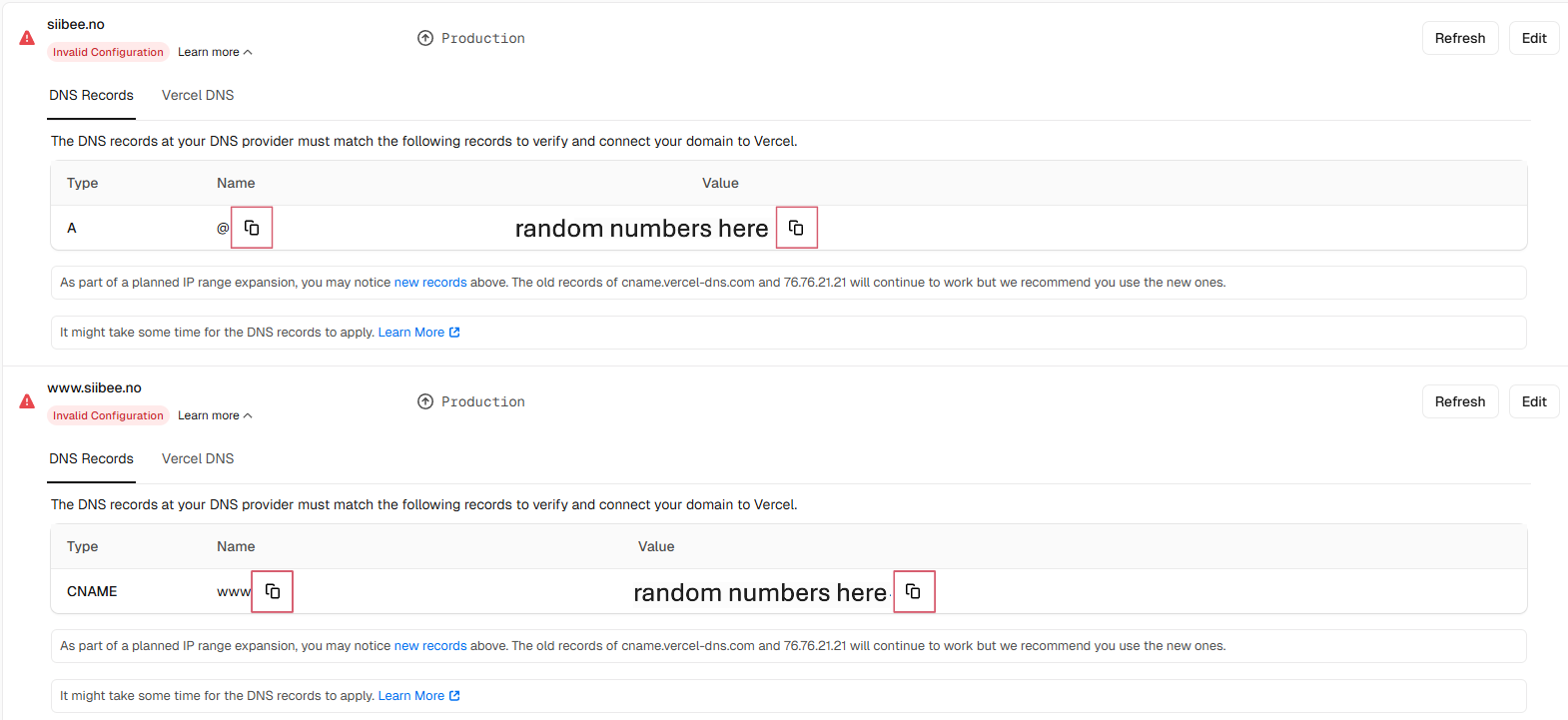
10, Make sure to Copy and paste the first siibee.no, like shown in the picture.
11, Go back to your domain and click add record, or just paste in the ones you copied from vercel, into siibee.no, like shown in this picture. Then click the plus sign to add the last one.

12, After a few minutes, vercel will tell you that the configuration is valid. But this might take a while.

13, Then click the plus sign to add the last one.

You might have to click the green plus sign, to save your new configuration.
14, Both are now configured correctly.

And you are done 😄